Specify Desktop / Architecture diagrams
Make the architecture a place you can work.
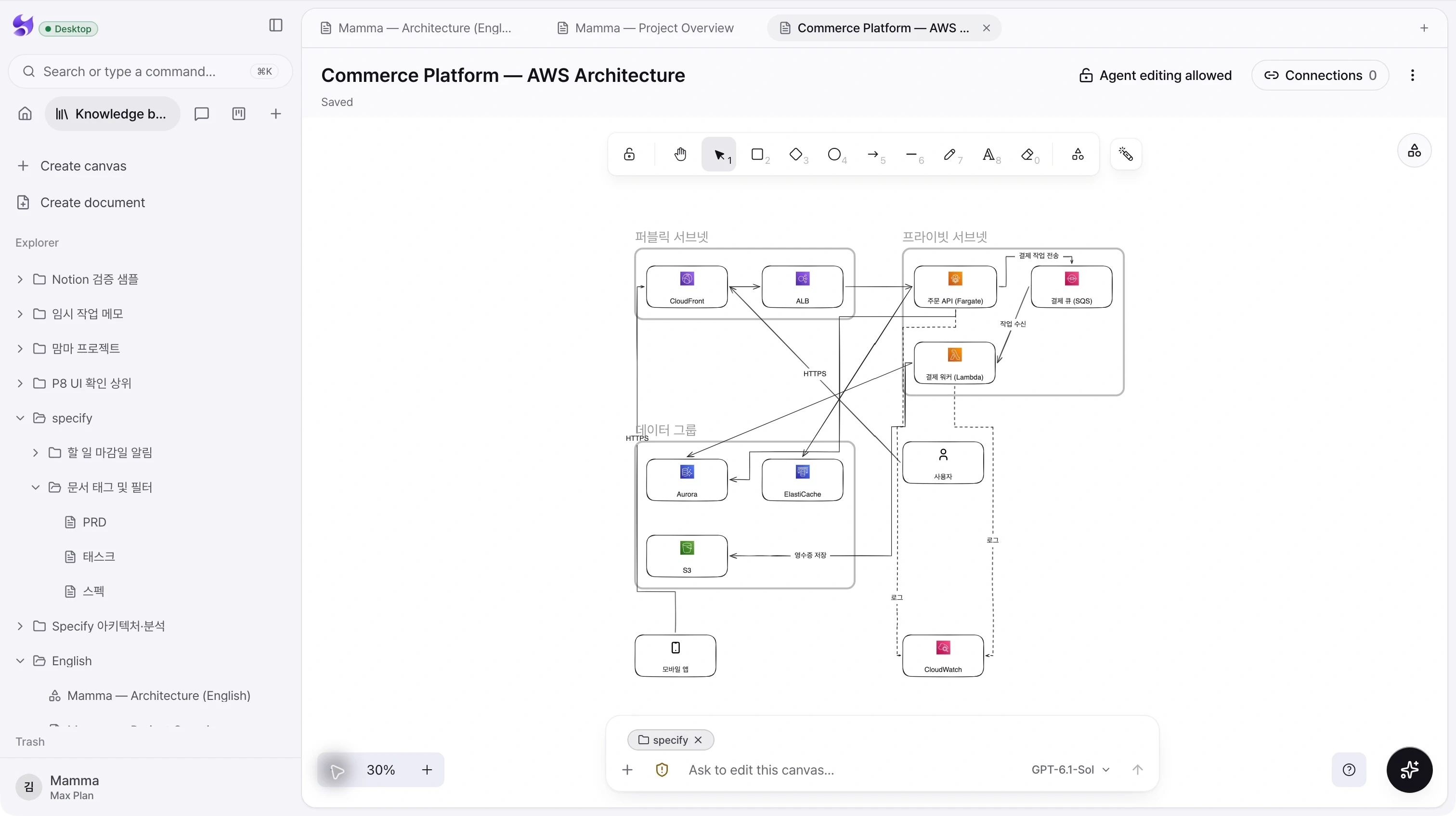
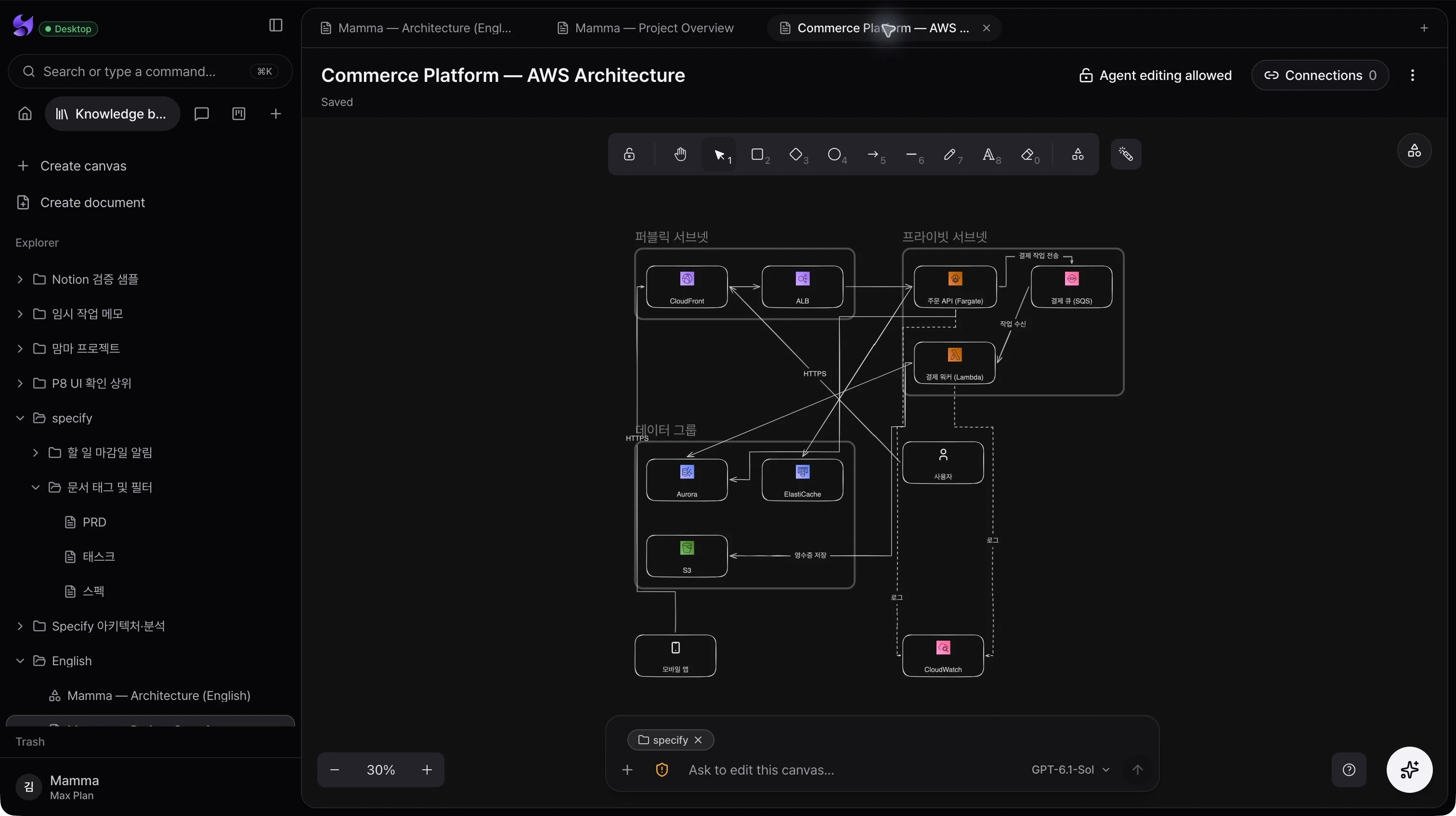
Open an editable canvas to inspect the components, boundaries, and connections in your product. Keep the diagram close to the documents and conversations that explain it.
Inside the app
An editable system map
Work with shapes, connectors, text, and icons on a zoomable canvas. Adjust the structure yourself as the design evolves.
Conversation beside the canvas
Use the canvas composer to ask an agent about the design or request a change with the current canvas as context.
Linked knowledge and editing control
Inspect connected documents and use the agent editing lock when a canvas should remain available for people to edit without agent changes.
From intent to action
- 01Open an architecture canvas from the knowledge base.
- 02Pan and zoom to inspect a boundary or service connection.
- 03Discuss the design in the canvas composer and review the resulting changes.
The screenshot shows an existing architecture canvas. Agent editing depends on the selected agent’s tools and your workspace permissions.
See the whole product. Then make the next move.
Choose the desktop download for your Mac, sign in, and bring your projects and coding agents into Specify.
Download Specify Desktop