Specify Desktop / Development docs
Keep the explanation next to the implementation.
Read a project by its components, responsibilities, and execution paths. Rich documents give source references, tables, and decisions a home that both people and agents can return to.
Inside the app
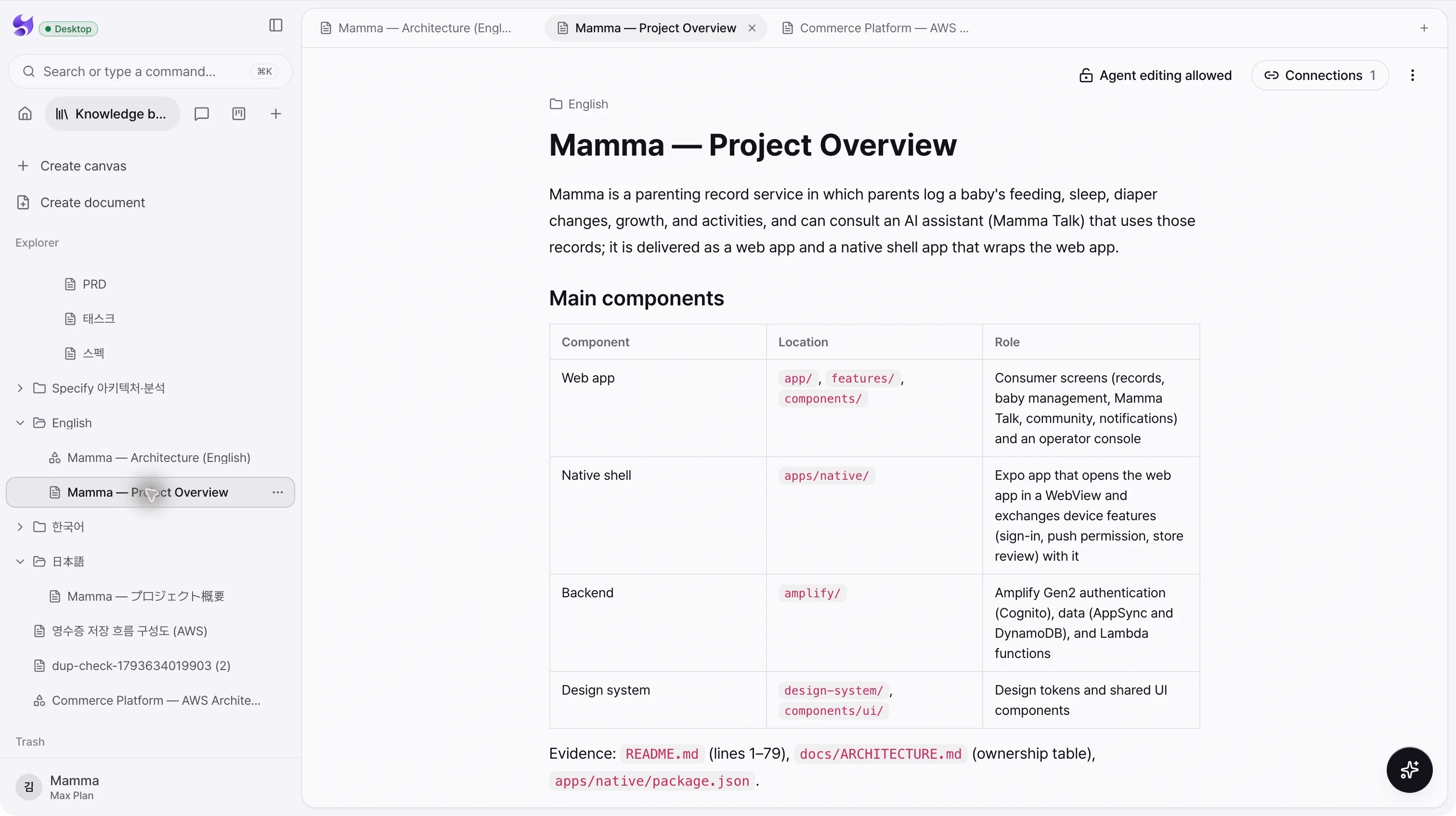
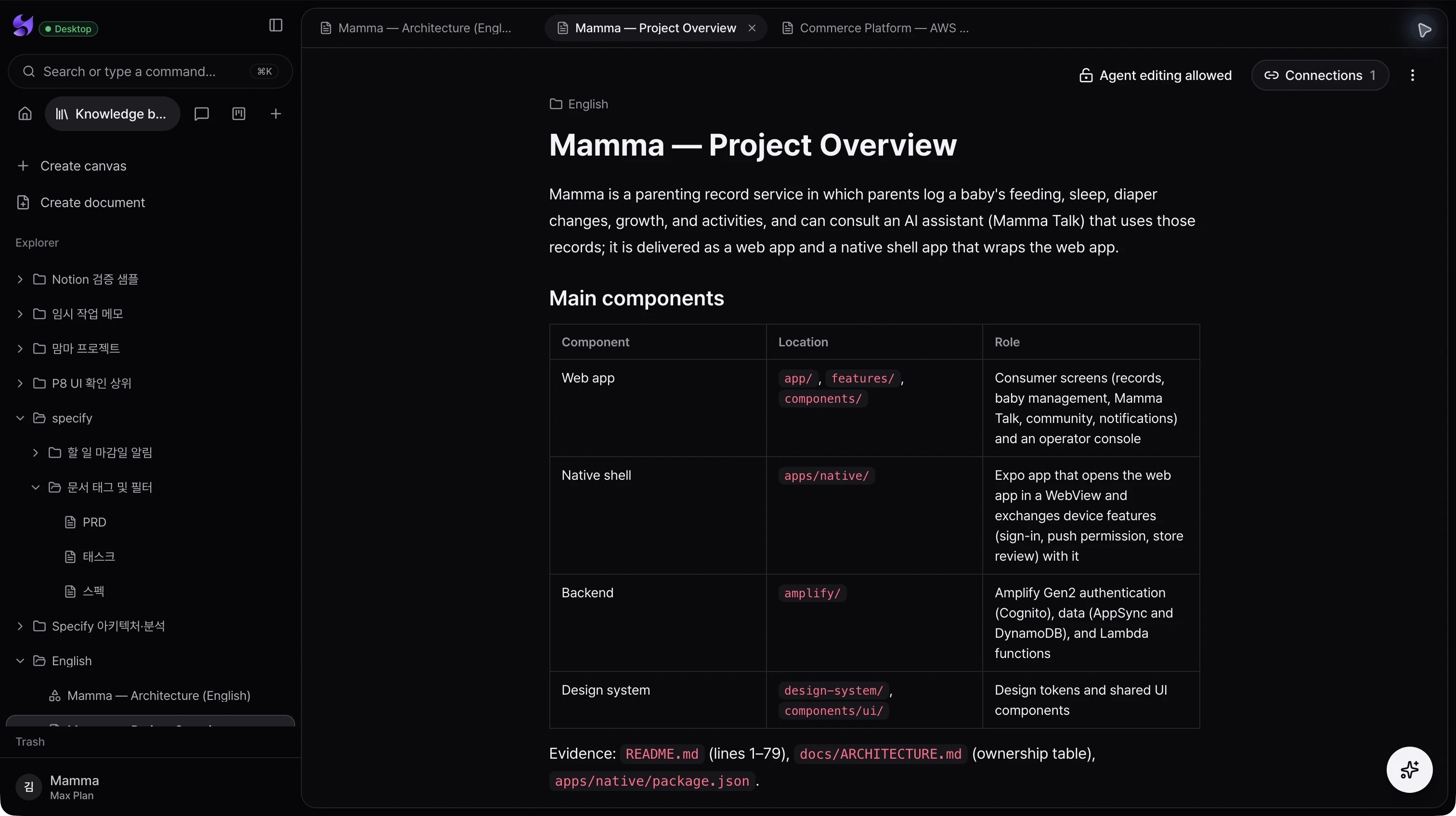
Readable technical detail
Organize architecture notes, requirements, and feature behavior with headings, tables, lists, code, and embedded diagrams.
Evidence in context
Keep source paths and references alongside the explanation so a reviewer can trace a statement back to its basis.
A shared working document
Find documents in the explorer, open related material in tabs, and control whether agents may edit the document.
From intent to action
- 01Open a project overview or feature document from the explorer.
- 02Review the responsibilities, flow, and evidence with the relevant code or canvas.
- 03Refine the explanation and use the document as context for the next agent task.
Source references shown here belong to the existing document. A document’s analysis is not itself proof of a successful deployment or test run.
See the whole product. Then make the next move.
Choose the desktop download for your Mac, sign in, and bring your projects and coding agents into Specify.
Download Specify Desktop