Specify Desktop / Knowledge graph
See the relationships your folders cannot show.
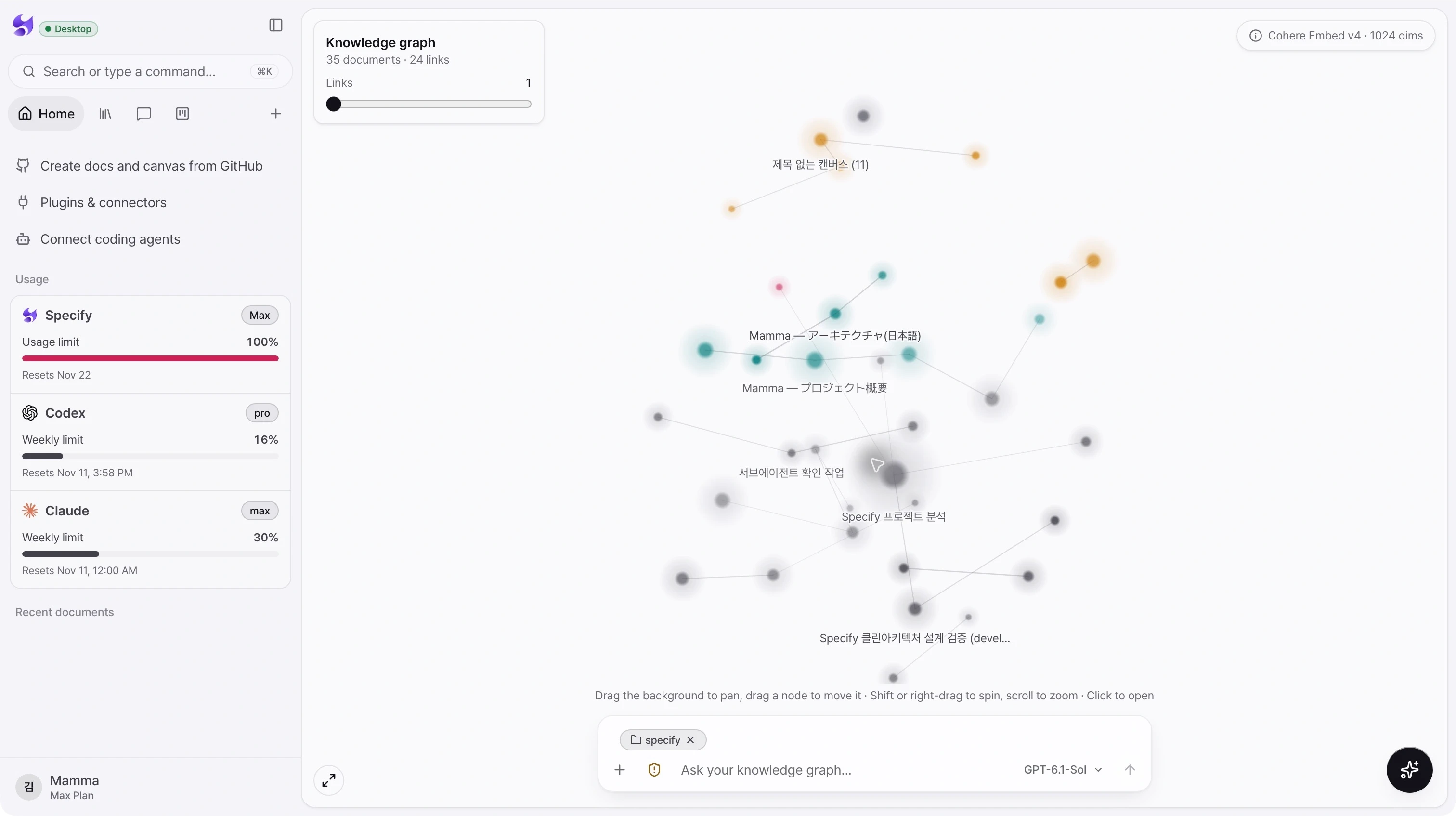
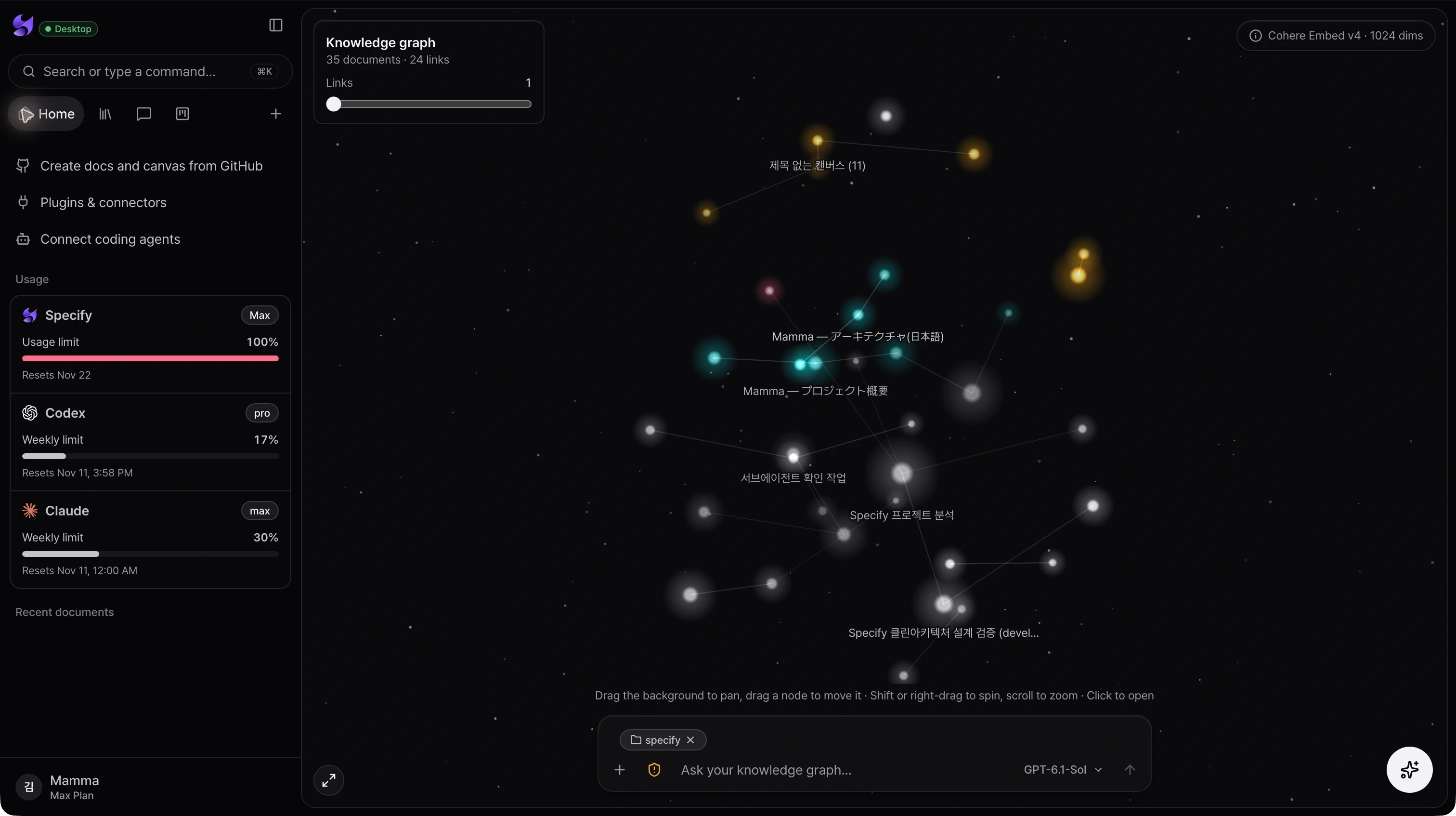
Explore documents as a navigable map of related meaning. Move from the shape of your knowledge to an individual document, then ask a question with the workspace close at hand.
Inside the app
Semantic connections
Documents with related meaning are linked in the graph, helping you discover relevant material beyond a folder hierarchy.
Explore at your own scale
Pan, rotate, zoom, fit the graph to the screen, and adjust the number of links to change how much structure is visible.
From discovery to a question
Open a document from its node or use the graph’s chat composer to begin exploring the knowledge with an agent.
From intent to action
- 01Open Home to view the workspace knowledge graph.
- 02Adjust the link count and zoom into a cluster of related documents.
- 03Open a node to read the document or ask a question from the graph.
Graph availability depends on indexed workspace content. A semantic connection indicates related meaning; it is not a verified software dependency.
See the whole product. Then make the next move.
Choose the desktop download for your Mac, sign in, and bring your projects and coding agents into Specify.
Download Specify Desktop