Specify Desktop / Session visualization
Follow the work from the main session to its branches.
See a project, its conversations, and reported subagent activity as a connected execution graph. Use the map to understand where work is happening and open the conversation behind it.
Inside the app
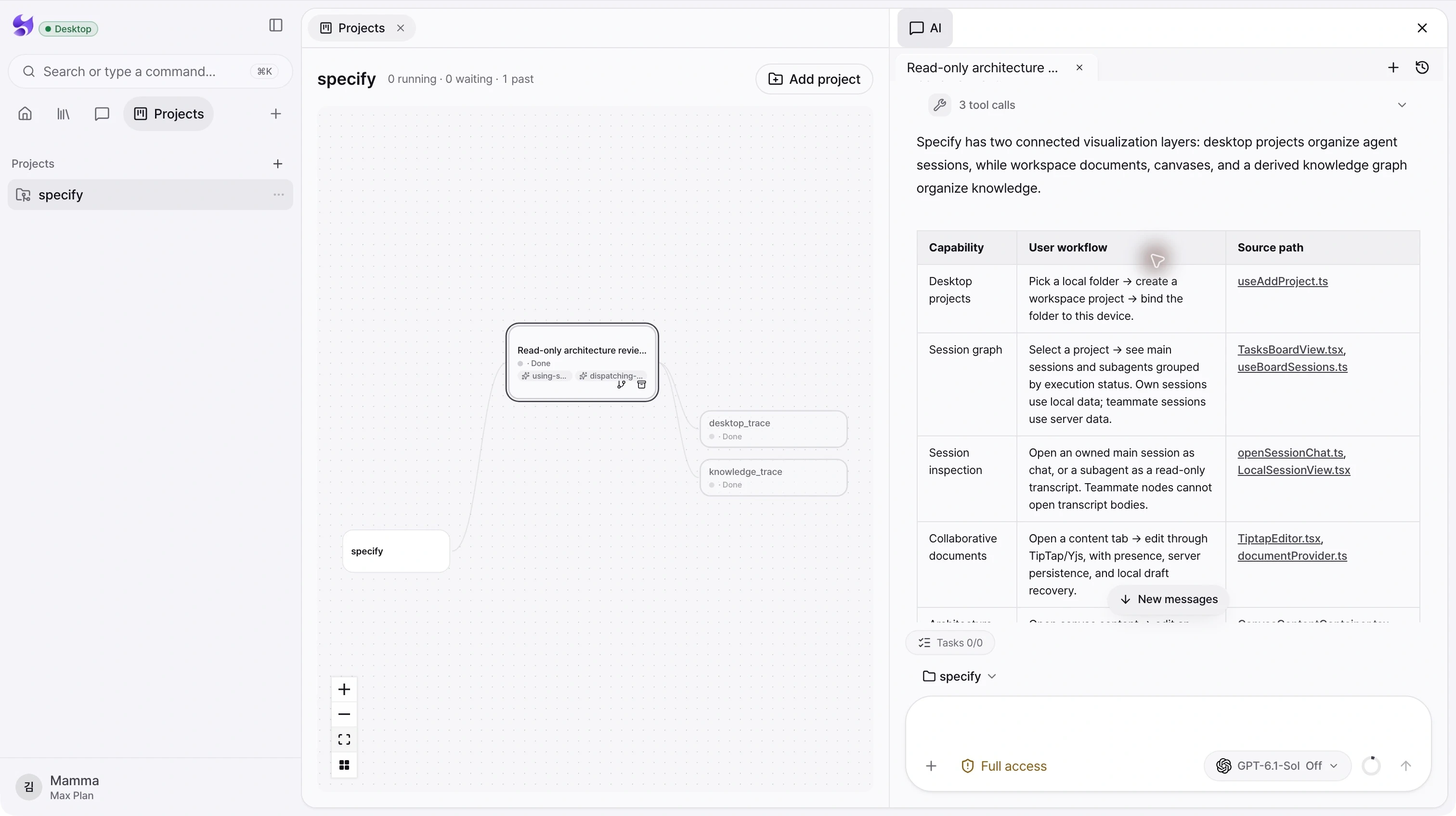
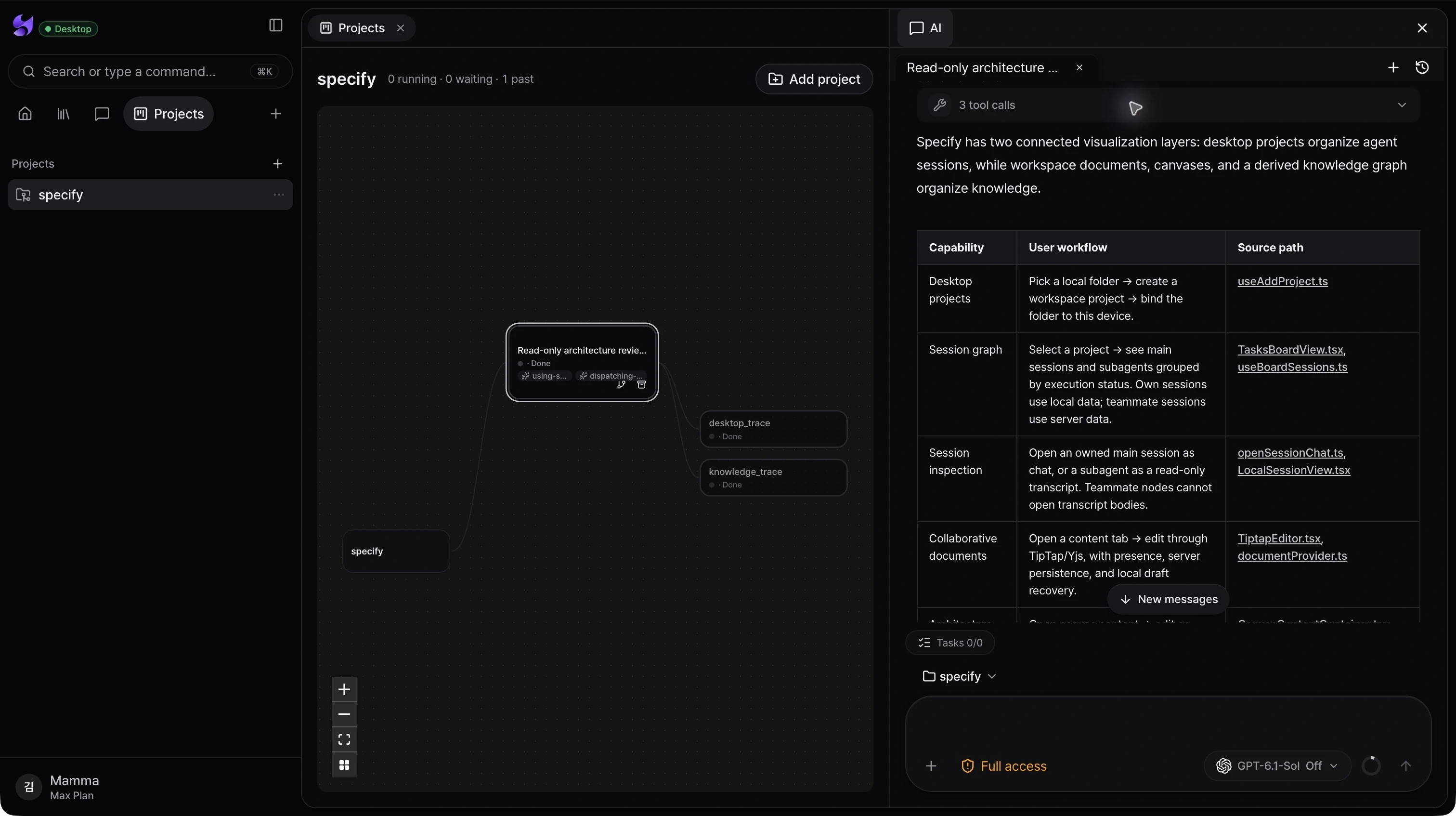
Main and subagent structure
The graph connects the project to main conversations and the subagent nodes reported by their execution events.
Status you can navigate
Distinguish running, waiting, and past executions. Zoom, fit the view, and move nodes to make a busy project easier to read.
Continue or organize finished work
Open your own session, archive completed conversations, or fork supported completed Codex conversations to continue from their context.
From intent to action
- 01Run a project-scoped task with a connected agent.
- 02Open Projects and inspect the execution nodes and their status.
- 03Select a node to read its conversation; use the available completed-run actions when you want to continue or archive it.
Subagent nodes appear when the provider reports them. Access to teammates’ transcripts and actions is restricted; available actions also depend on provider and execution status.
See the whole product. Then make the next move.
Choose the desktop download for your Mac, sign in, and bring your projects and coding agents into Specify.
Download Specify Desktop